What Does a SOC Analyst Actually Do? An Hour-by-Hour Shift
Wondering what a SOC analyst actually does all day? Here's an honest hour-by-hour breakdown of a typical shift — triage, escalation, and everything in between.
EpicDetect Team
12 min read

What Does a SOC Analyst Actually Do? An Hour-by-Hour Shift
You've seen the job title. Maybe you've even got the offer. But what does a SOC analyst actually do for eight hours — or twelve, if you're on nights?
Not the LinkedIn version. Not the certification study guide version. The real thing, hour by hour, on a normal shift.
What Is a SOC Analyst's Job, Really?
Short answer: you triage security alerts, investigate suspicious activity, document what you find, and escalate what you can't resolve.
Longer answer: you're the first line of defense. Detection tools — SIEM, EDR, email security, firewalls — generate alerts constantly. Your job is to figure out which ones matter, which ones are noise, and what to do about each one.
Tier 1 analysts handle the volume. Tier 2 handles deeper investigation. Tier 3 handles detection engineering and complex incidents. This breakdown focuses on a typical Tier 1 shift — where everyone starts.
---
Hour 1: Shift Start and Handoff (6:00 AM)
Your shift begins with a handoff from the previous analyst. This is the most underrated part of SOC work.
The outgoing analyst briefs you on:
- Open tickets — investigations still in progress from the last shift
- Active incidents — anything escalated to Tier 2 or IR that you need to monitor
- Known issues — scheduled maintenance causing alert spikes, ongoing phishing campaigns, system outages generating false positives
- Priority watchlist — specific users, systems, or indicators flagged for extra attention
You log into the SIEM, check the alert queue depth, and scan for anything critical that arrived during the handoff. You review your assigned ticket queue in the ticketing system (ServiceNow, Jira, or whatever your org uses).
What this feels like: Catching up on a group chat you missed overnight. Except the messages are security alerts, and some of them might be real attacks.
---
Hours 2–4: Morning Triage Block (7:00–10:00 AM)
This is the core of the job. The alert queue filled up overnight — automated detections, scheduled scan results, and activity from users logging in across time zones.
A typical morning triage block looks like:
7:00–7:30 — High-severity queue first. Critical and high alerts get reviewed before medium and low. A ransomware detection or data exfiltration alert doesn't wait while you close false positives.
7:30–9:00 — Steady triage rhythm. You work through alerts one at a time:
- Open the alert in the SIEM or EDR console
- Read the detection details — what triggered it, what MITRE technique it maps to
- Pull context — user account, source host, timestamp, related activity
- Make a call: close as false positive, continue investigating, or escalate
- Document your decision in the ticket with clear reasoning
9:00–10:00 — User-reported issues. Emails arrive from employees: "Is this phishing?" "I got a weird login alert." "My computer is acting strange." You triage these like any other alert — check headers, review login activity, look at endpoint telemetry.
Volume reality: On a busy morning, you might touch 30–60 alerts in this block. Most will be false positives. Your job is finding the two or three that aren't.
What this feels like: A conveyor belt that never stops. You're not solving one puzzle — you're sorting a pile and deciding which pieces matter.
---
Hour 5: Mid-Morning Deep Dive (10:00–11:00 AM)
By now you've cleared the overnight backlog. This hour is for the alerts that need more than five minutes.
Maybe you have an open investigation — a suspicious login you couldn't fully resolve, an endpoint alert with an unclear process tree, or a user-reported phishing email with a link you haven't fully analyzed.
You dig deeper:
- Run broader SIEM searches across a 24–48 hour window
- Check threat intel on IPs, domains, and file hashes
- Review endpoint telemetry for related activity
- Correlate across data sources — did the suspicious login coincide with unusual file access?
If you still can't determine benign vs. malicious, you escalate to Tier 2 with your timeline, evidence, and specific questions.
What this feels like: The part of the job that actually uses your brain. Less clicking "close" and more "wait, what's actually going on here?"
---
Hour 6: Lunch (11:00 AM–12:00 PM)
You eat. Ideally away from your screen.
Reality: at many SOCs, someone covers the queue during lunch. You might eat at your desk while keeping an eye on critical alerts. On quiet days, you actually step away.
If an incident breaks during lunch, lunch is over. That's the job.
---
Hours 7–8: Afternoon Triage and New Alerts (12:00–2:00 PM)
Afternoon brings a second wave — users are active, business operations generate new alerts, and scheduled tasks fire detections.
The rhythm is the same as morning triage, but the alert types shift:
- More user-behavior alerts (unusual file access, after-hours activity)
- More email security alerts (phishing campaigns targeting active users)
- Fewer overnight automated scan results, more live activity
You might also attend a brief team meeting — daily standup, threat intel briefing, or detection tuning review. These are usually 15–30 minutes.
What this feels like: Groundhog Day, but that's normal. The alerts change; the process doesn't.
---
Hours 9–10: Escalation and Documentation (2:00–4:00 PM)
Afternoon is when your open investigations need resolution. You can't carry ten ambiguous tickets into the next shift.
For each open investigation:
- Can you close it? Document why — specific evidence, not just "looks fine"
- Does it need escalation? Write a clear escalation note: timeline, evidence, your assessment, what you need Tier 2 to determine
- Is it an active incident? Follow the IR playbook — notify the right people, preserve evidence, begin containment if authorized
Good escalation notes are a skill. Bad notes waste Tier 2's time and make you look sloppy. Include:
- UTC timestamps for all key events
- Specific log entries or indicators (IPs, hashes, user accounts)
- What you checked and what you found
- What you couldn't determine and why
What this feels like: Writing the cliffhanger before someone else picks up the story. Your documentation is how the next analyst — or Tier 2 — continues the investigation.
---
Hours 11–12: Queue Cleanup and Shift Handoff (4:00–6:00 PM)
The final block is about leaving the shift in good shape.
4:00–5:00 — Clear remaining queue items. Work through any alerts still sitting unassigned. Close false positives, advance open investigations, escalate what needs escalation.
5:00–5:30 — Update open tickets. Add notes to anything still in progress. The next shift needs to know where you left off.
5:30–6:00 — Handoff briefing. You brief the incoming analyst on everything they need to know — same format you received at the start of your shift.
What this feels like: Cleaning your desk before leaving the office. Except someone else sits down immediately and needs to know exactly where everything is.
---
What Doesn't Fit Neatly Into Hours?
Real shifts aren't this clean. Here's what disrupts the schedule:
Active incidents. A confirmed compromise kills the normal queue. Everyone focuses on containment, investigation, and communication until it's handled.
Alert storms. A misconfigured detection rule can generate hundreds of alerts in minutes. The queue becomes unworkable until someone tunes the rule or you bulk-close with documentation.
Ad-hoc requests. "Can you check if this IP hit our firewall?" "Legal needs logs for an employee investigation." "Can you pull all authentication events for this user?" These pop up constantly.
Training and meetings. New tool training, post-incident reviews, detection tuning sessions, and team knowledge shares eat into triage time regularly.
---
What Skills Does This Shift Actually Require?
Now that you've seen the day, here's what you need to survive it:
Log analysis — reading authentication events, process execution logs, and network connections quickly
SIEM proficiency — searching, filtering, correlating across data sources
Decision-making under uncertainty — most alerts don't have obvious answers
Documentation — clear, concise ticket notes and escalation write-ups
Prioritization — severity first, then age, then volume
Communication — explaining technical findings to Tier 2, users, and sometimes management
If you're preparing for this, SOC analyst interview prep covers the questions hiring managers ask to test these exact skills.
---
How Is This Different From What Training Shows You?
Training platforms — TryHackMe rooms, CTF challenges, cert exam prep — teach individual skills in isolation. A SOC shift combines all of them simultaneously under time pressure.
The biggest gaps between training and the real job:
- Volume. Training gives you one scenario at a time. A SOC gives you fifty alerts and asks you to prioritize.
- Ambiguity. Training scenarios usually have answers. Real alerts often don't — and you still have to make a call.
- Continuity. Training resets between scenarios. Real investigations span shifts, days, and sometimes weeks.
- Documentation. Training scores your answer. A SOC scores your ticket notes.
What a real SOC investigation feels like goes deeper on the investigation side specifically.
---
How Do You Prepare Before Day One?
You don't need to simulate a full 12-hour shift in training. But you should build these habits:
1. Practice triage speed — set a timer, investigate an alert in 10 minutes, document in 5
2. Write investigation reports — treat every lab scenario like a ticket you'd hand off
3. Learn one SIEM well — Splunk Free or Elastic's free tier gives you query reps
4. Study the escalation decision — practice saying "I'm not sure, here's what I found, I recommend escalation"
5. Follow a structured learning path — the 90-day SOC analyst roadmap covers what to learn and in what order
---
TL;DR – A SOC Shift Is Triage, Investigation, Documentation, Repeat
A Tier 1 SOC analyst's day is alert triage (morning and afternoon blocks), deeper investigation on ambiguous alerts (mid-morning and afternoon), documentation and escalation (late afternoon), and shift handoffs (start and end). Most alerts are false positives. Your value is finding the ones that aren't and documenting everything clearly enough for the next person to continue.
---
FAQs
Is every SOC shift exactly like this?
No. Shift length, alert volume, team size, and tooling vary wildly. Night shifts are often quieter on user-reported issues but busier with automated scan alerts. This is a representative day, not a universal template.
How many alerts does a Tier 1 analyst handle per shift?
Anywhere from 50 to 150+ depending on the organization, detection maturity, and tuning quality. Well-tuned environments produce fewer but higher-quality alerts.
Do SOC analysts work weekends and holidays?
Many SOCs operate 24/7/365, which means rotating shifts including nights, weekends, and holidays. Not every SOC requires this — some outsource off-hours to MSSPs — but it's common.
What's the hardest part of the job that training doesn't prepare you for?
Decision-making under uncertainty with a full queue behind you. Training gives you one scenario with time to think. The job gives you fifty alerts and asks you to prioritize without freezing.
---
Final thought: A SOC shift isn't one big investigation — it's a hundred small decisions that add up to organizational security. The analysts who thrive aren't the ones who know everything. They're the ones who triage systematically, document clearly, and escalate confidently when they're unsure.
How EpicDetect Can Help
Want to practice what a SOC shift actually feels like — not one room at a time, but a continuous investigation that escalates? Adventures Season Zero drops you into a story-driven SOC case. It's completely free.
Want structured lessons alongside it? Head to the EpicDetect Atlas for SIEM fundamentals, log analysis, and MITRE ATT&CK-tagged challenges.
New here? Sign up and start for free. No credit card required.
Tags
Related Articles
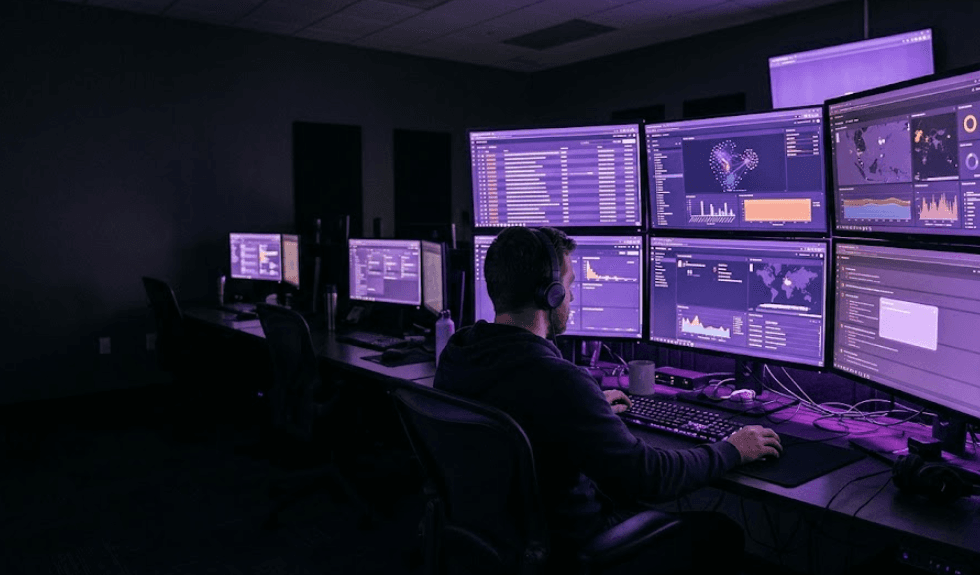
A Day in the Life of a SOC Analyst (What the Job Is Actually Like)
What a real SOC analyst day looks like, hour by hour: the alert queue, investigations, documentation, shift work, and the parts nobody warns you about.
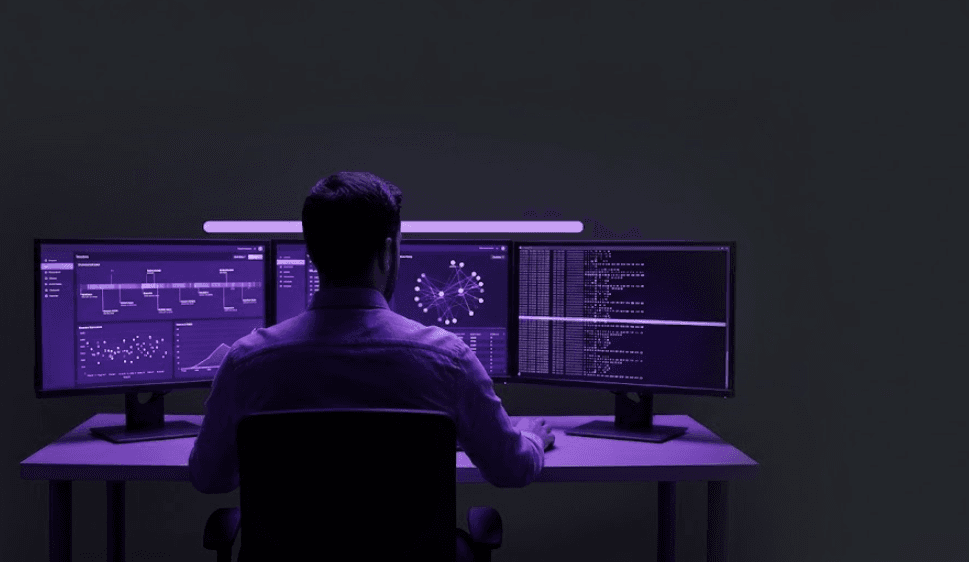
What Does a Real SOC Investigation Actually Feel Like?
TV makes SOC work look like fast typing and dramatic countdowns. Here is what a real investigation actually feels like, step by step.
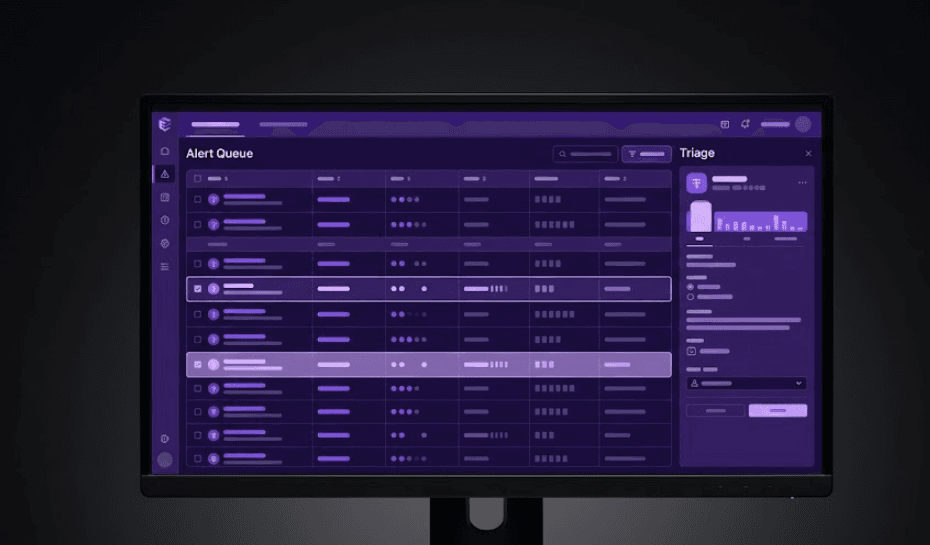
Is There a Real SOC Analyst Simulator? Here's What Actually Exists in 2026
Searching for a SOC analyst simulator? Here's what actually simulates the job in 2026 versus what's just a quiz with extra steps.
What Are EpicDetect Adventures? (And Why They're Different From Every Other SOC Course)
Adventures are story-driven SOC training episodes where you actually work cases — not quizzes, not lectures. Here's how they work and why they prepare you for day one.